


Your AI coding agent for building apps, in Figma Make
Go from rough idea to fully interactive app—no coding required. Figma Make is the AI coding agent that handles the build so you can stay focused on the product.
Build working apps with your AI coding agent

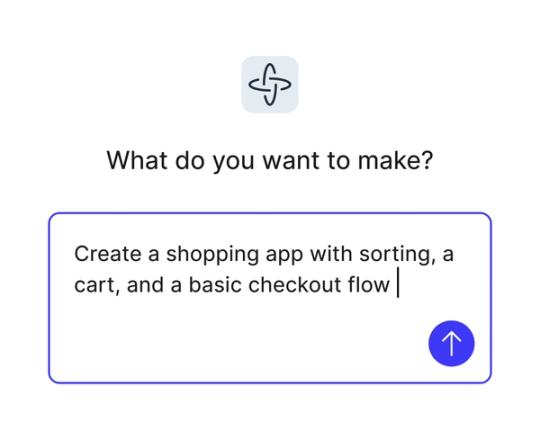
Turn ideas into working apps
Skip the dev backlog entirely. Describe what you want to build, and Figma Make's AI coding agent generates interactive flows, screens, and logic from a single natural language prompt.

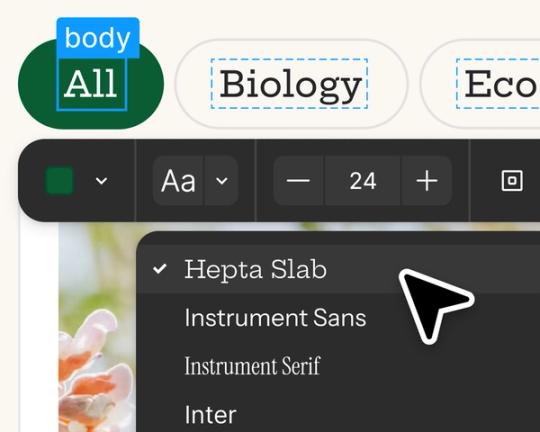
Edit, iterate, and stay in flow
Start with a prompt, then refine in the visual editor, adjust code directly, or re-prompt to explore new directions. You're always in control—without switching tools.

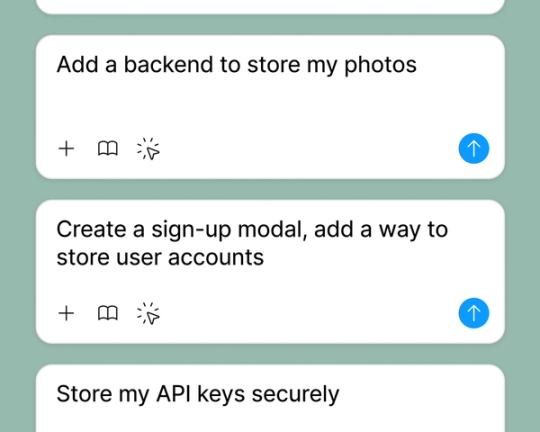
Add a backend, ship something real
Connect to Supabase to power your app with user authentication, data storage, and live APIs. No coding required—just a prompt and a real product ready to share.

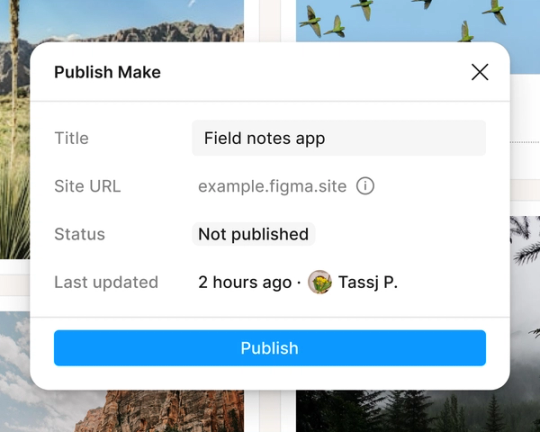
Design and build in one place
Connect to a backend to preview exactly how your app will look and behave with live, user-driven data.
Built by real teams.
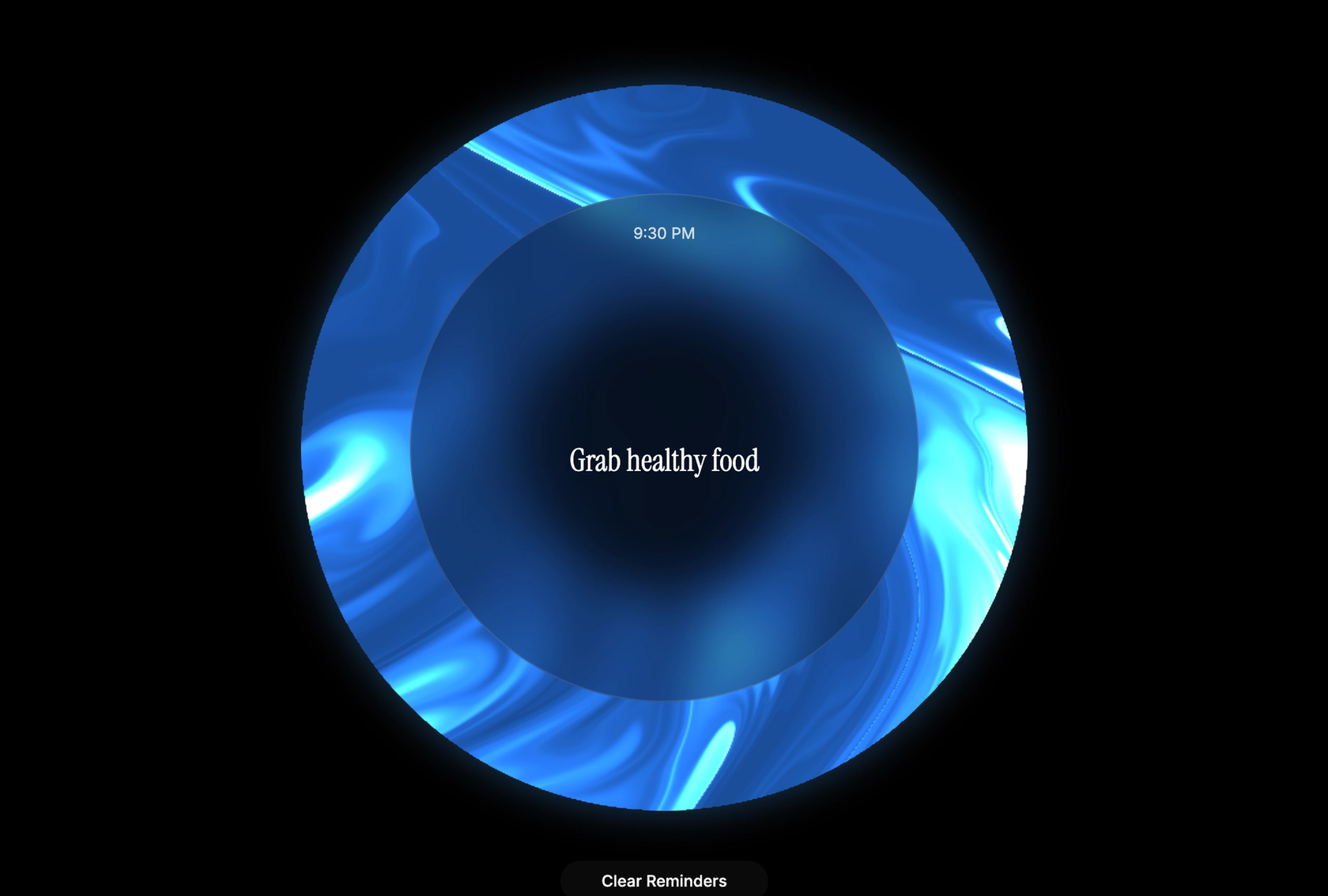
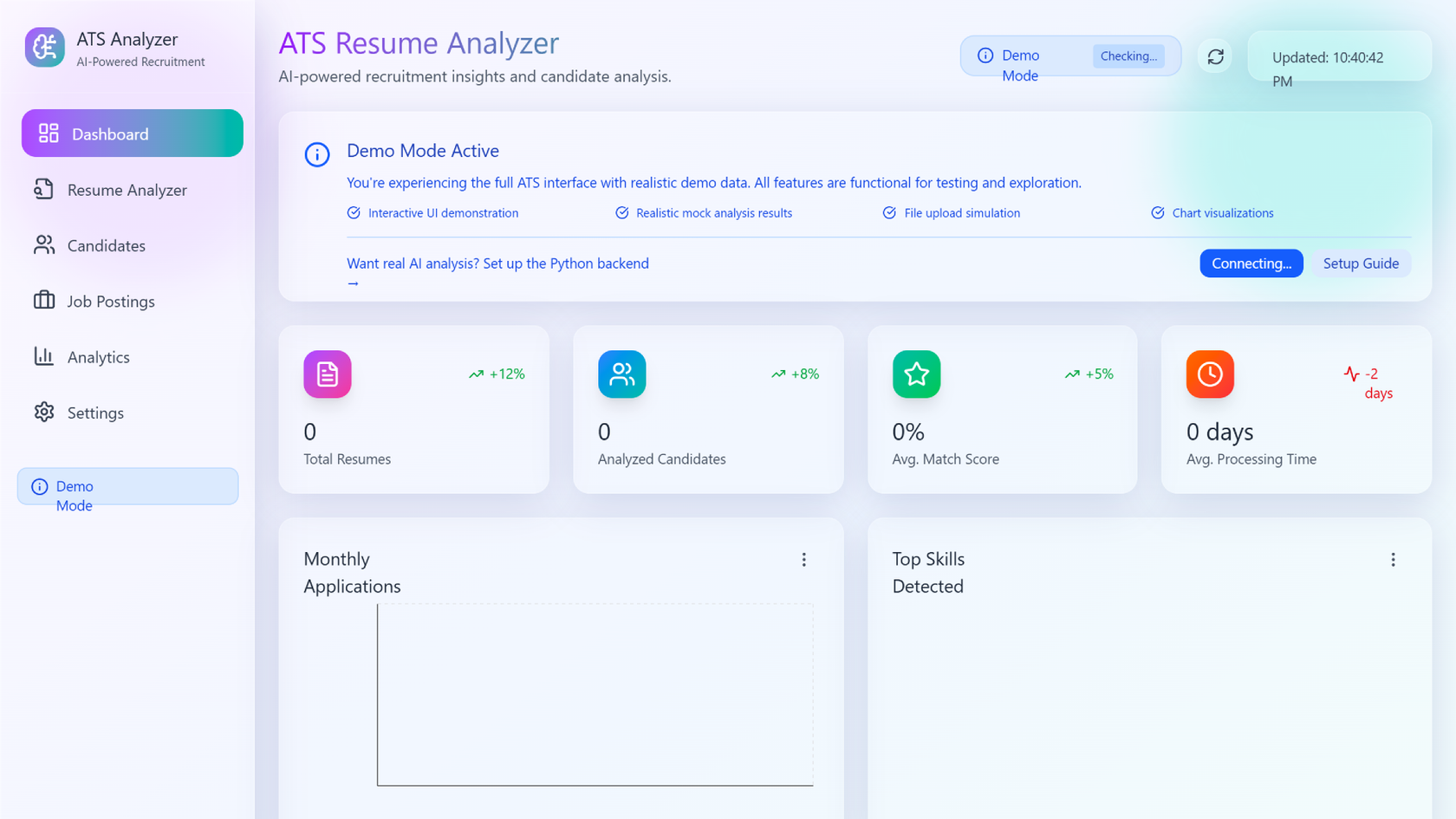
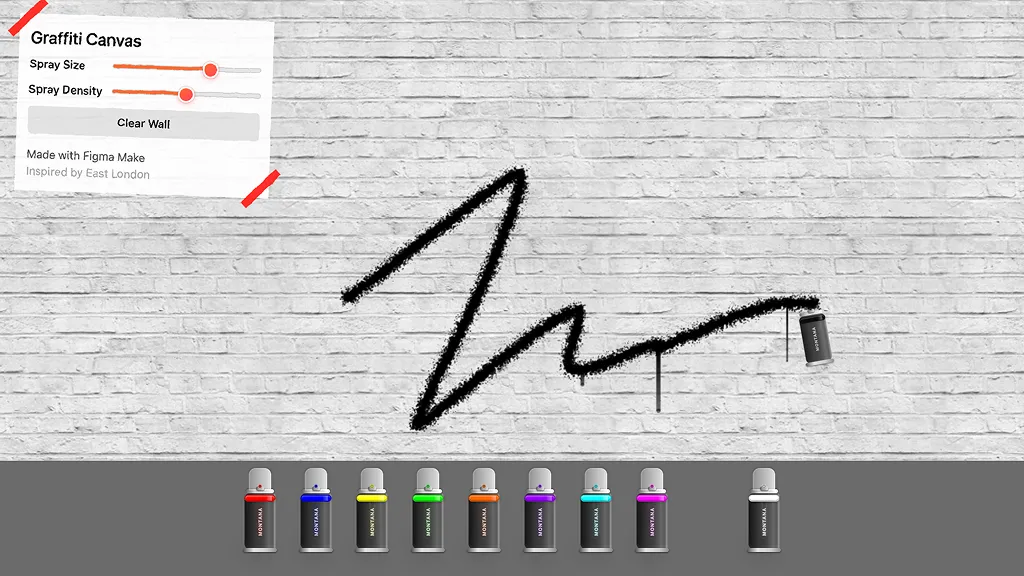
See how makers, designers, and PMs are using Figma Make to build no-code web apps—from internal tools to product MVPs.
- Jacques Debeuneure Jr.
- Daniela Muntyan

- kishoree04u

- Seungmee Lee







How to build an app with Figma Make
FAQs
From the blog
How Figma AI tools helped us bring extra delight to the canvas
For our annual April Fun Day, we used Figma Make, Weave, and MCP to build six mini games that captured the spirit of play. Here’s what we learned.

Build with more context and more control in Figma Make
Starting today, Make kits and Make attachments bring context into Figma Make, so prototypes start from real components, data, and constraints.
6 designs that reimagine how we interact with software
From a multiplayer embroidery sampler to a photo booth that works across time zones, this year's Make-a-thon winners offer new ways to connect, reflect, and play through software.

3 ways product teams are building conviction faster with Figma Make
From communicating complex behaviors to pushing the edges of an idea, product managers at ServiceNow, Ticketmaster, and Affirm are using Figma Make to prototype their way forward.
Workflow lab: AI image tooling and interactive prototyping in Figma
A workflow to try—bringing together precise image editing, Vectorize, and interactive prototypes to move from concept to crit to completion faster.

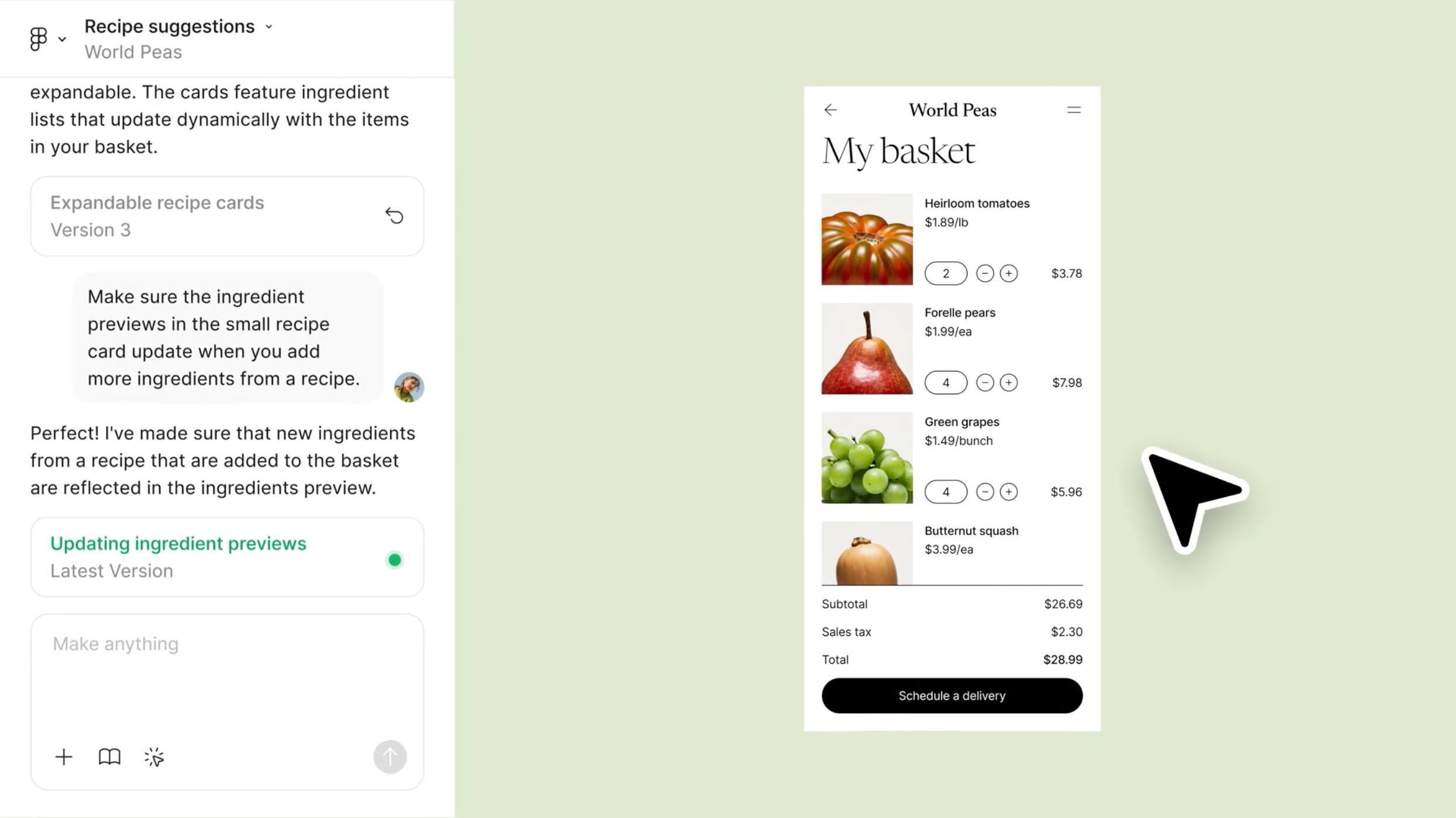
Show don't tell: Embed Make prototypes everywhere you work in Figma
Today, we’re introducing the ability to embed Figma Make prototypes into Figma Design, FigJam, and Figma Slides, along with new editing tools that help you build and share your best ideas.
More resources

What is MCP?
Read articleLearn about Model Context Protocol (MCP), the open standard that simplifies AI integration like a USB-C for data.


What is Vibe coding?
Read articleVibe coding combines mood-driven design with seamless coding to create immersive digital experiences that connect emotionally and function flawlessly.


How to design an app in five steps
Read articleBuilding an app requires research and constant iteration to meet customer needs. Learn how to design an app and how Figma can help in this guide.