
100 color combinations to influence your next design
Pairing the right colors together creates harmony in UI designs. Learn 100 color combinations for your next project and how Figma can help.
Skip to main content
Discover how color theory shapes design decisions. Explore the articles below for guides, inspiration, and templates that bring color to life.
Pairing the right colors together creates harmony in UI designs. Learn 100 color combinations for your next project and how Figma can help.

The right color pairings can evoke emotions, increase brand awareness, and encourage user action. Discover how to create a compelling color palette with Figma.


Color theory helps designers make color choices that captivate users and elevate a brand. Learn to apply color theory to your color palette with Figma.

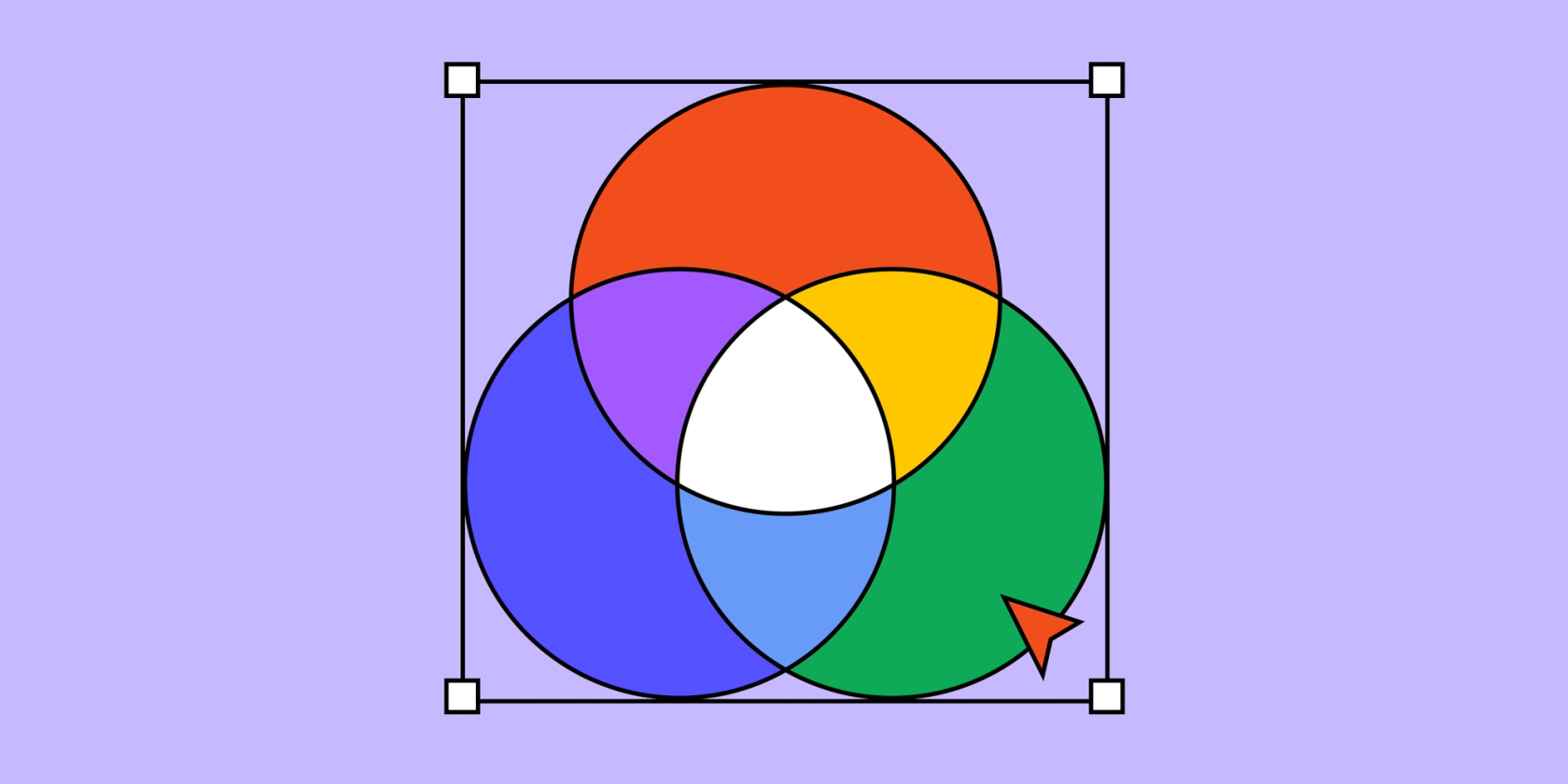
RGB (red, green, blue) produces colors on digital screens through a combination of red, green, and blue light. Read on to learn how it works.


Primary colors are the building blocks for all colors, according to color theory. Learn to use primary colors in your color palette with Figma.

Learn about secondary colors, what makes them different from primary colors, and how Figma can help you select your color palette.


Discover the power of complementary colors in design, learn how to use them to create visually striking color schemes, and see how Figma can help.

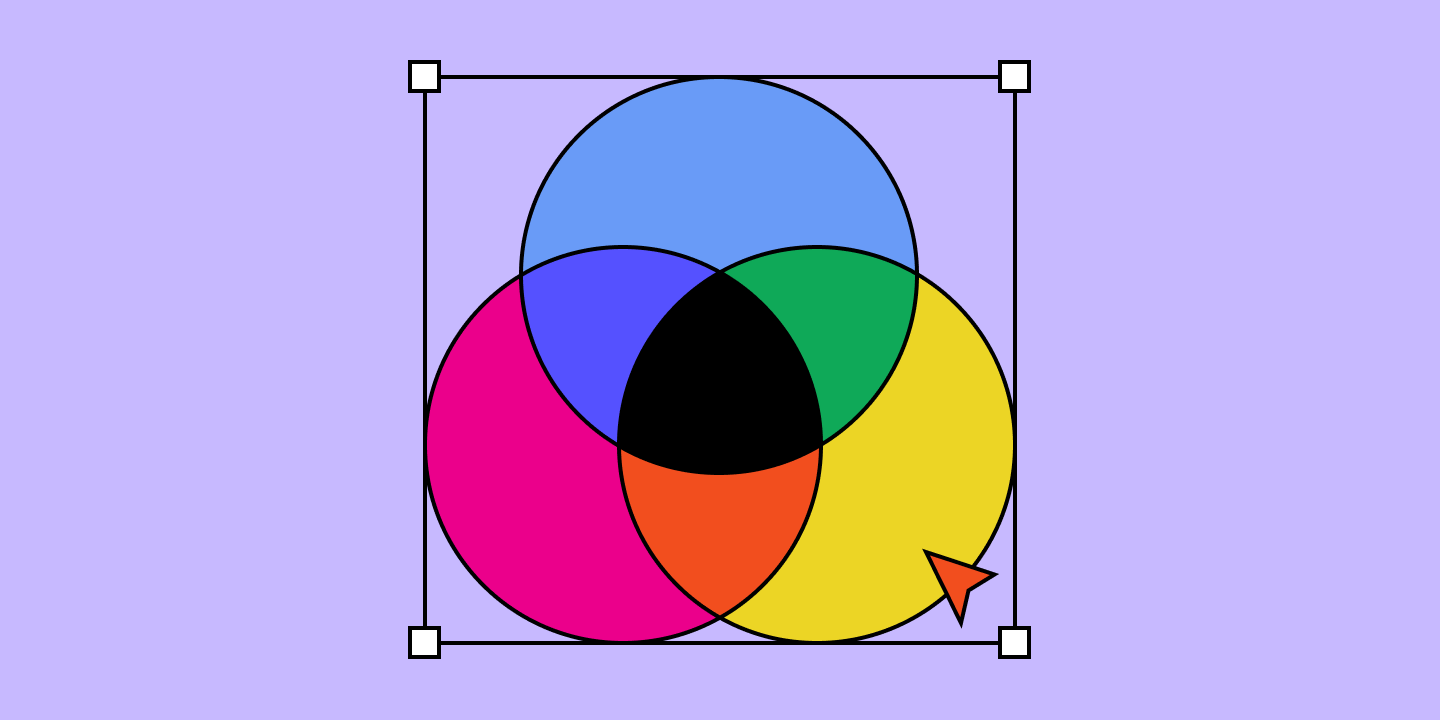
CMYK is an acronym for cyan, magenta, yellow, and key. Learn why understanding CMYK is important and how to effectively use it in your design process.


Triadic colors can help create a balanced look that enhances your brand’s appeal with users. Learn to apply triadic colors to your color palette with Figma.


Split complementary colors can provide subtle contrast in vibrant designs. Learn to apply split complementary colors to your color palette with Figma.


The color brown can tap into a range of positive emotions. Learn about the meaning behind different shades of brown, then create your color palette with Figma.


Green can represent nature, growth, calm, or creativity. Learn about the meaning behind various shades of green, then create your color palette with Figma.


Explore a spectrum of red shades from rose red to rosewater, pink to puce, and many more. Learn how to use them effectively with hex codes, symbology, and pro tips from Figma.


Color symbolism helps designers understand what colors represent and mean, so they can use color to reach and engage users. Learn to apply color symbolism to your color palette with Figma.


Monochromatic colors can help create a bold, cohesive look that captures users’ attention. Learn to apply a monochromatic scheme to your color palette with Figma.
Explore all topics