
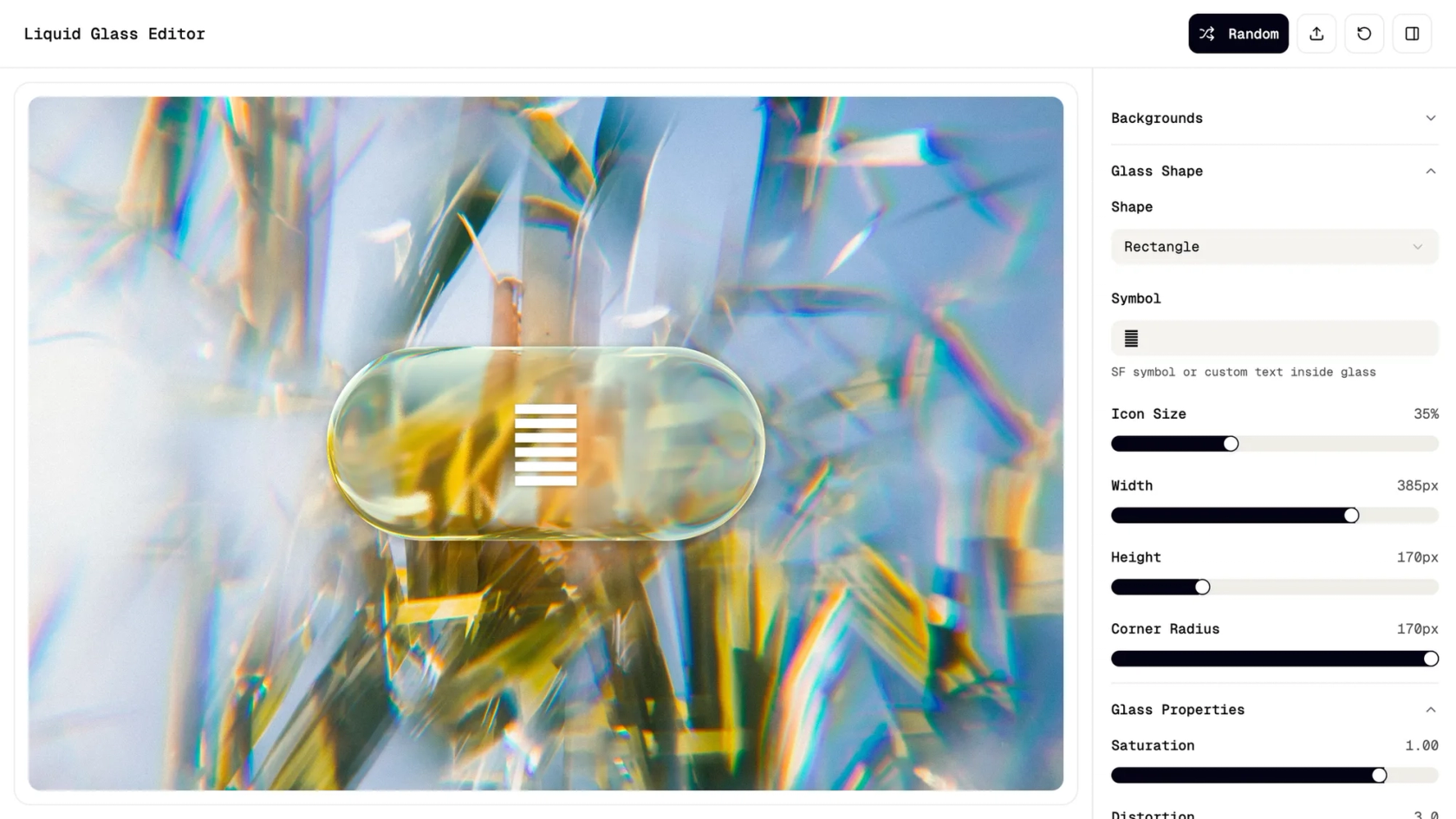

AI animated prototype generator in Figma Make
Go from idea to motion—create interactive flows and micro-interactions with an AI animated prototype generator, no coding required.
Bring motion to prototypes with AI
Generate animations from prompts
Describe transitions, delays, and easing in plain language—AI creates polished motion for your screens.
Design, prototype, and iterate together
Stay in flow. Figma Make keeps design and motion prototyping in one place for faster feedback.
Preview with real data
Create a web app that’s ready to ship with user authentication, user data storage, and more — no coding required
Refine every micro-interaction with prompts
Define hover, tap, and state changes, then adjust timing, curves, and behaviors instantly through natural language.
Built by real designers.
See what designers are building with AI UI tools in Figma Make—from marketing pages to product dashboards to mobile-first flows.
- Daniela Muntyan
- Abhiram Ramoju

- Yossef Saeed

- Joshua Guo


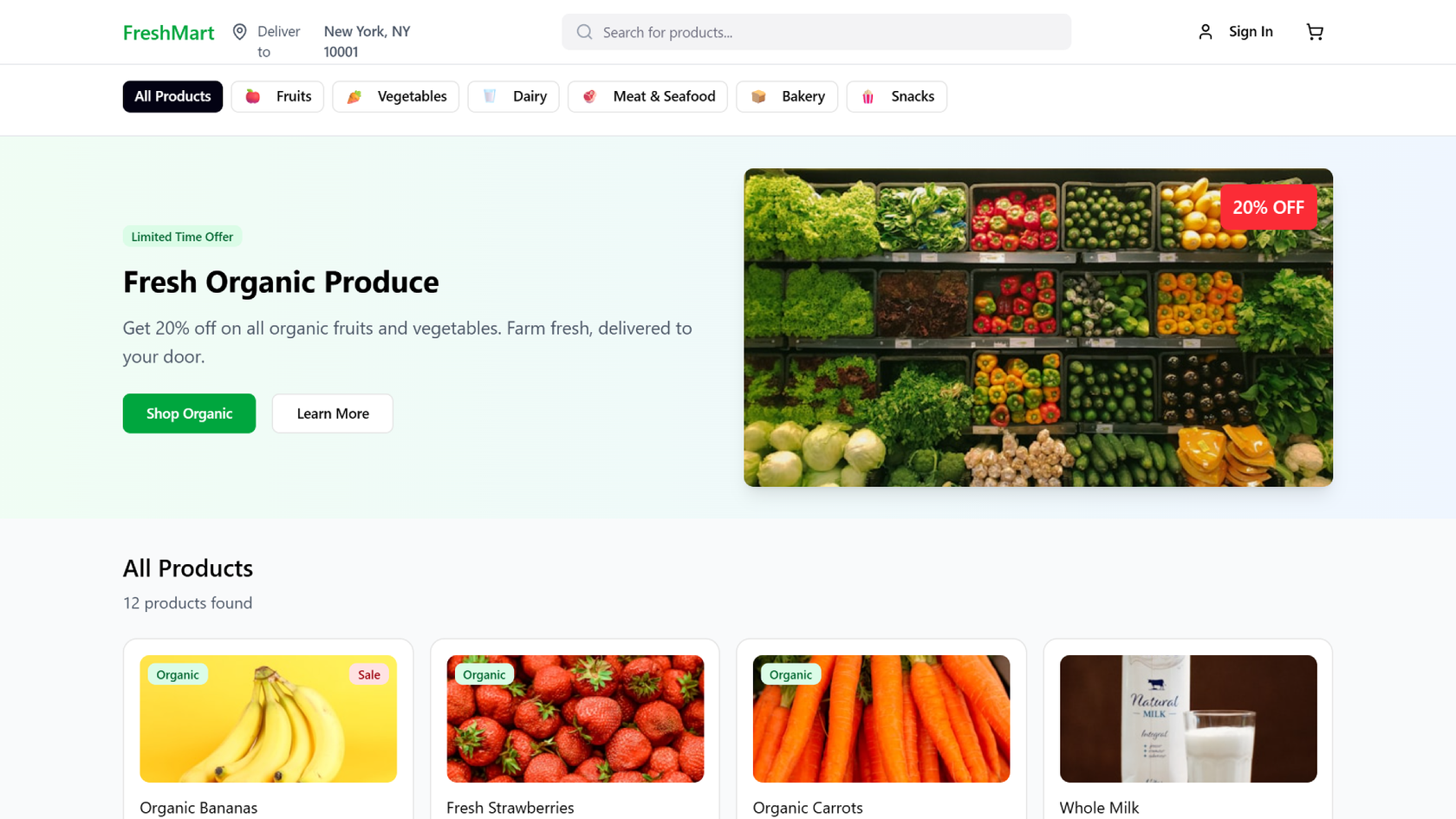





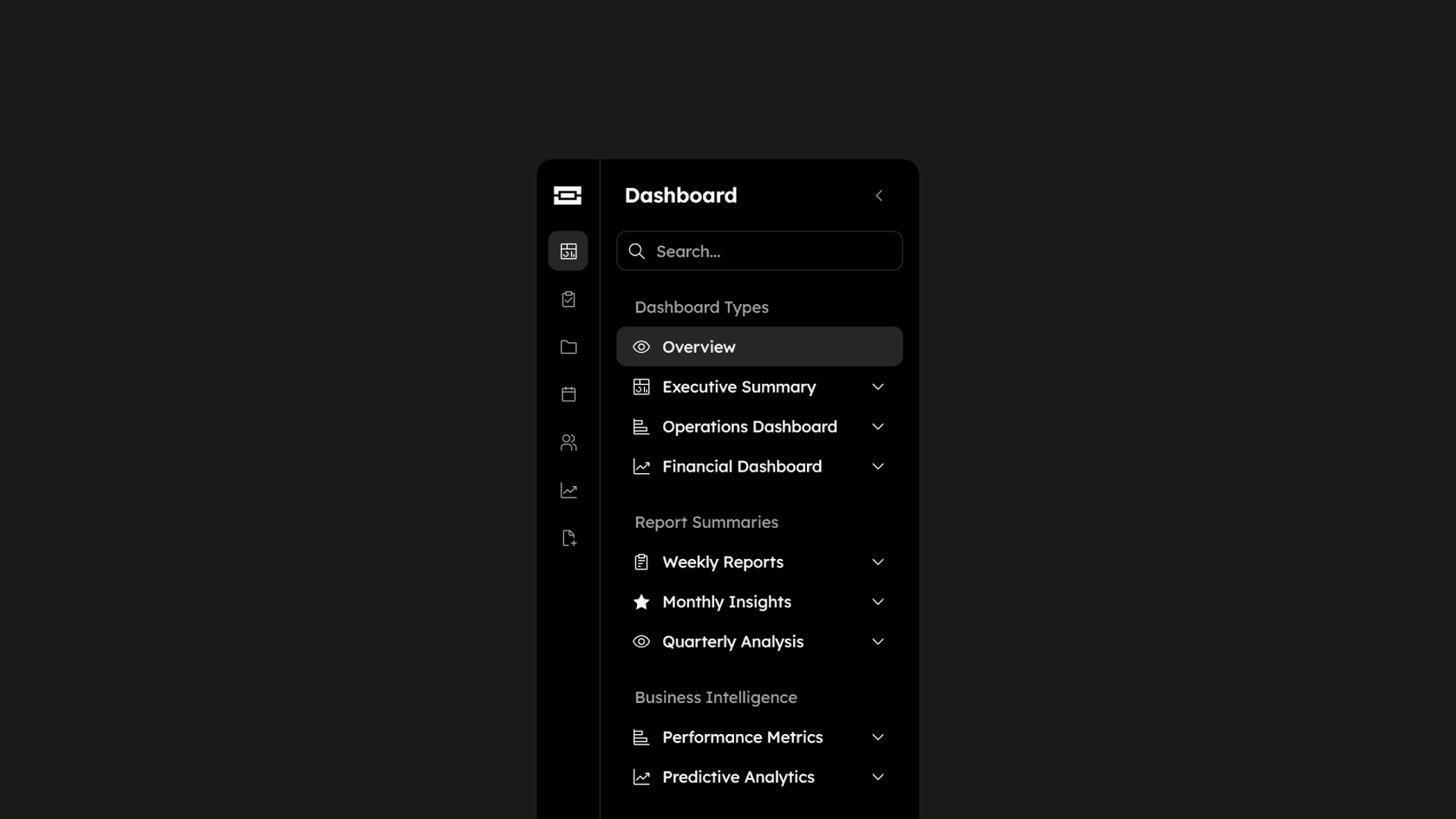

How to create animated prototypes with AI in Figma Make
FAQs
From the blog
How Figma AI tools helped us bring extra delight to the canvas
For our annual April Fun Day, we used Figma Make, Weave, and MCP to build six mini games that captured the spirit of play. Here’s what we learned.

Build with more context and more control in Figma Make
Starting today, Make kits and Make attachments bring context into Figma Make, so prototypes start from real components, data, and constraints.
6 designs that reimagine how we interact with software
From a multiplayer embroidery sampler to a photo booth that works across time zones, this year's Make-a-thon winners offer new ways to connect, reflect, and play through software.


3 ways product teams are building conviction faster with Figma Make
From communicating complex behaviors to pushing the edges of an idea, product managers at ServiceNow, Ticketmaster, and Affirm are using Figma Make to prototype their way forward.
Workflow lab: AI image tooling and interactive prototyping in Figma
A workflow to try—bringing together precise image editing, Vectorize, and interactive prototypes to move from concept to crit to completion faster.

Show don't tell: Embed Make prototypes everywhere you work in Figma
Today, we’re introducing the ability to embed Figma Make prototypes into Figma Design, FigJam, and Figma Slides, along with new editing tools that help you build and share your best ideas.